How to set up cronjob for MailPoet
To set up cronjob for your MailPoet plugin, follow these instructions:
- Log in to your WordPress dashboard
- Visit MailPoet > Settings > Advanced, switch to Visitors to your website, then click Save settings.
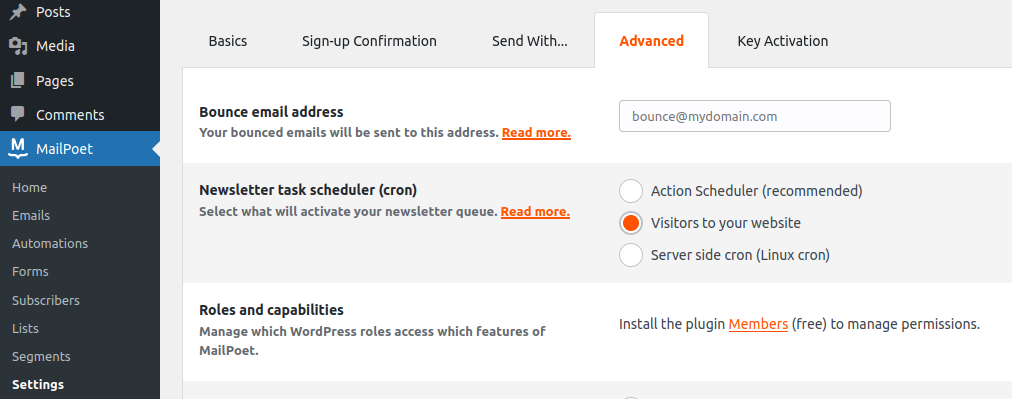
- Then follow the instruction to set up WordPress cron
And that's it.
FastCron will run your cronjob for free, no monthly login required.
Need help? Reach out to support@fastcron.com - we're happy to help.